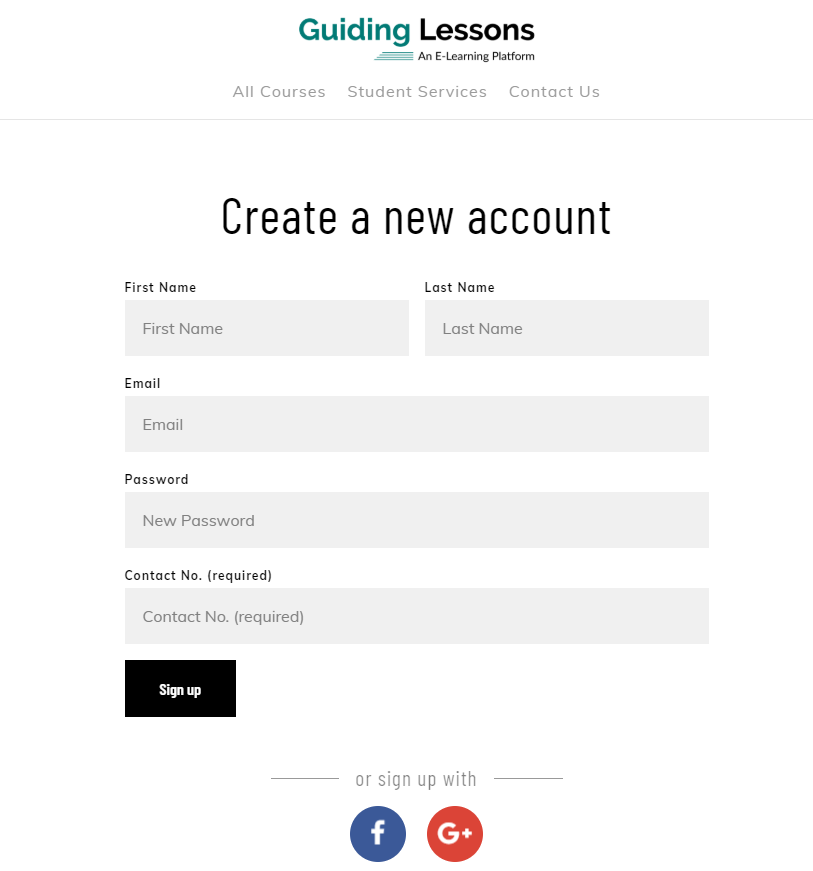
Getting Started with your Account:
- Create an Account to access Demo Account
- Complete all the required fields.
- Sign Up.
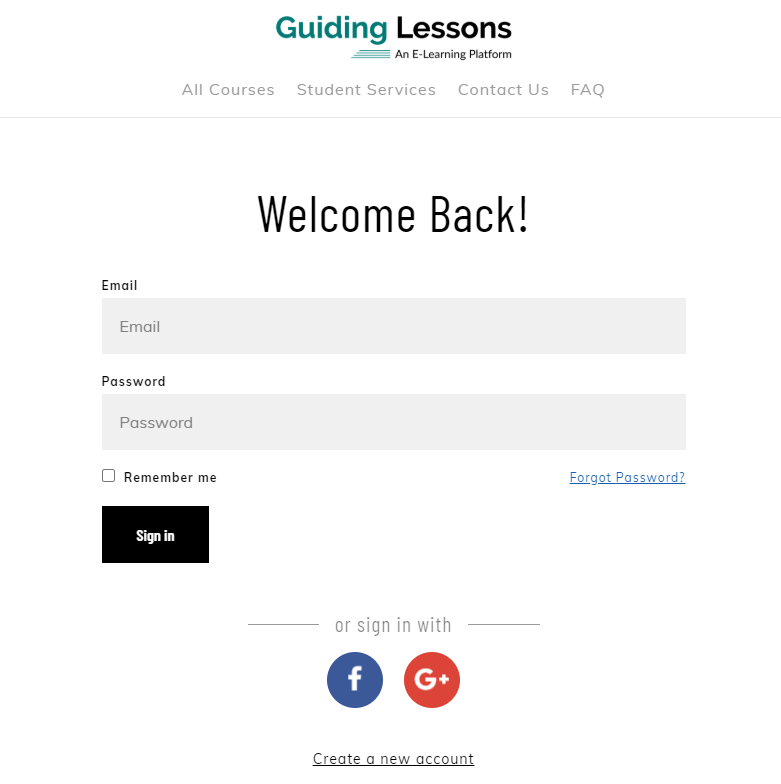
If you have already created an Account
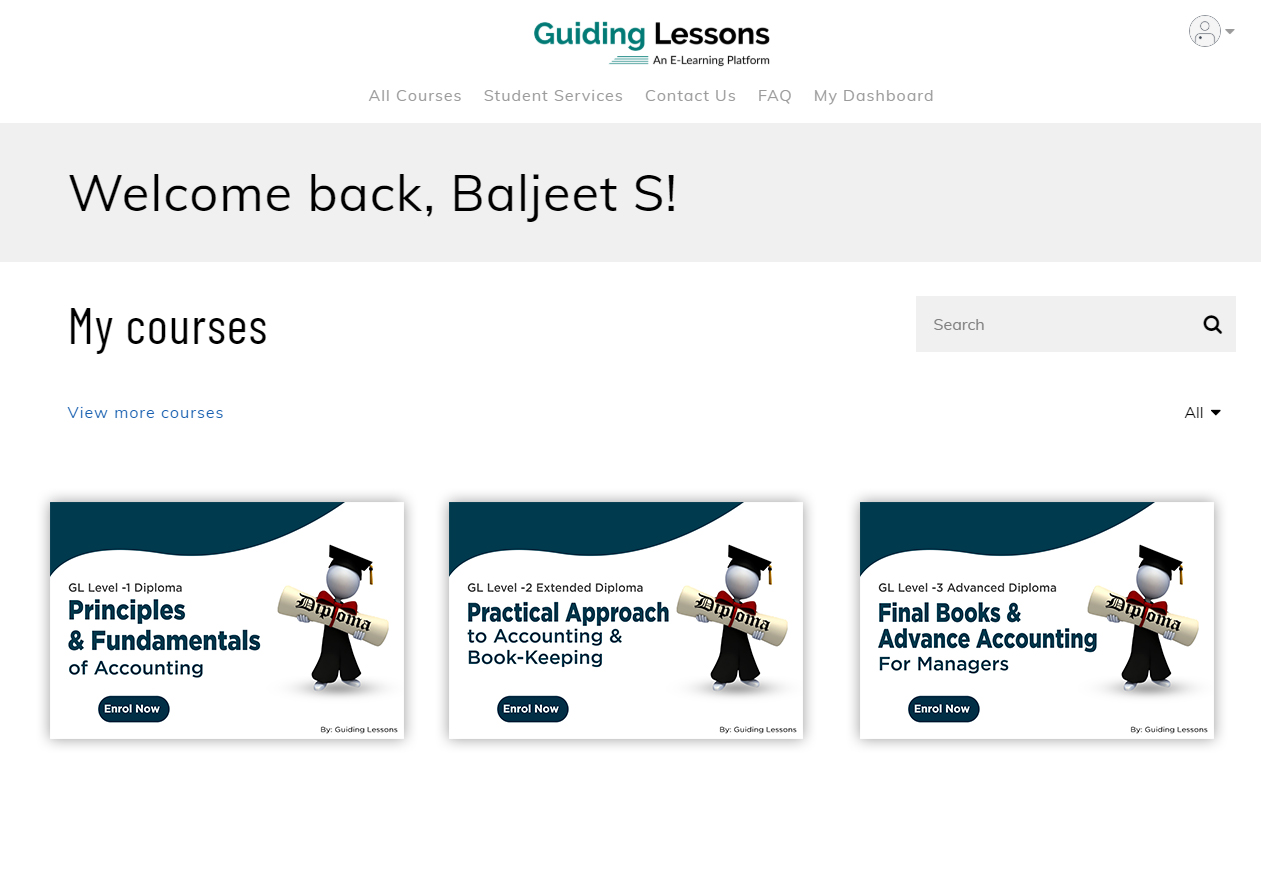
Student Dashboard when they login with us
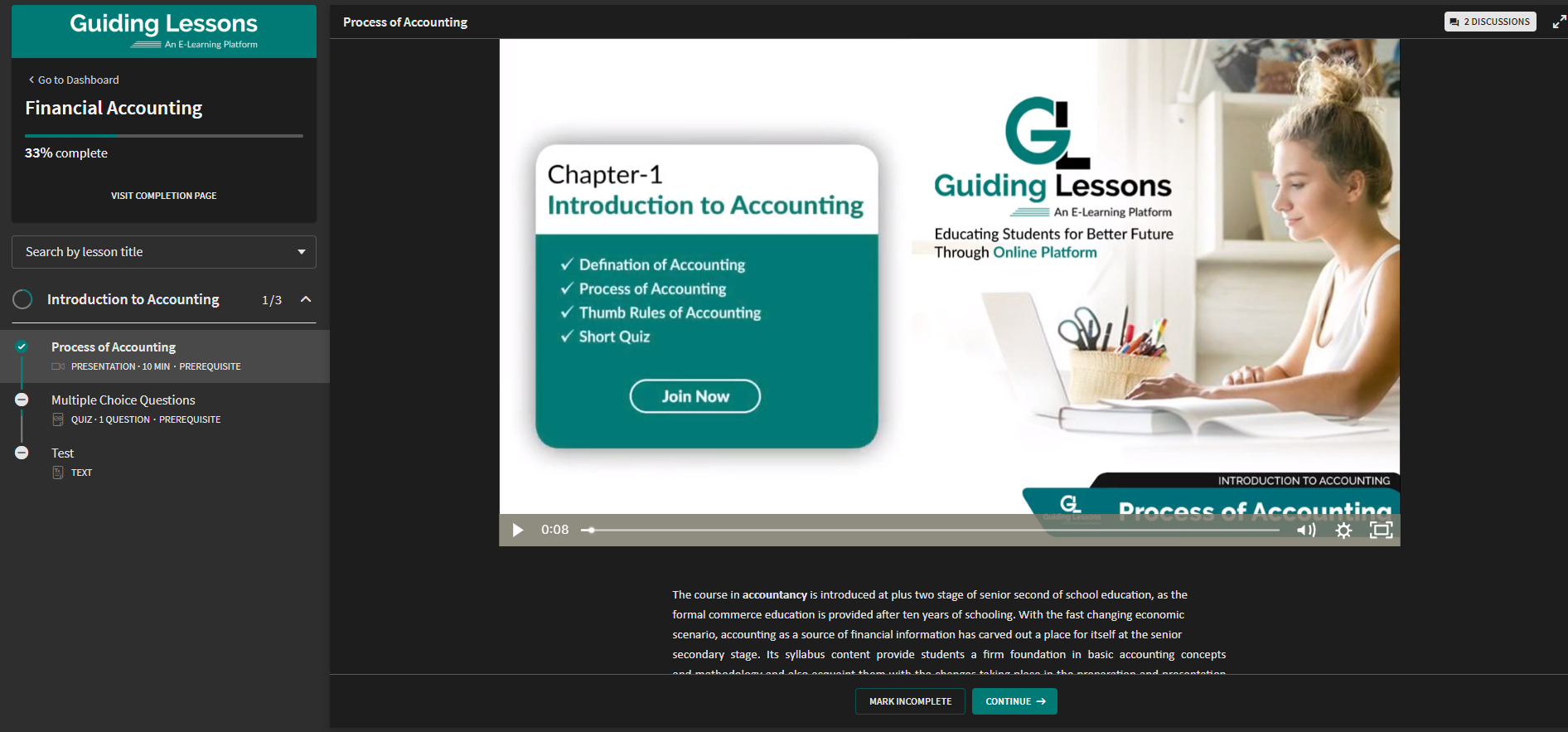
Once you are enrolled, you will be given immediate access to the course. You may start with watching your course videos, take your quizzes, and more!
( You can access your students’ results in the Report section in your Admin Dashboard )
If you feel any further Support or have additional Queries
For any further support or any additional queries, please contact us at: [email protected]
Or by clicking on: Contact Us